One Client Email. One Prompt. A New, On-Brand Page in Under an Hour.
How we use AI to design and redesign client websites, on WordPress and on Content Site Engine, without giving up quality, brand, or the client's final say. A real case study from Hairway 2 Heaven 26 in Helotes, Texas.
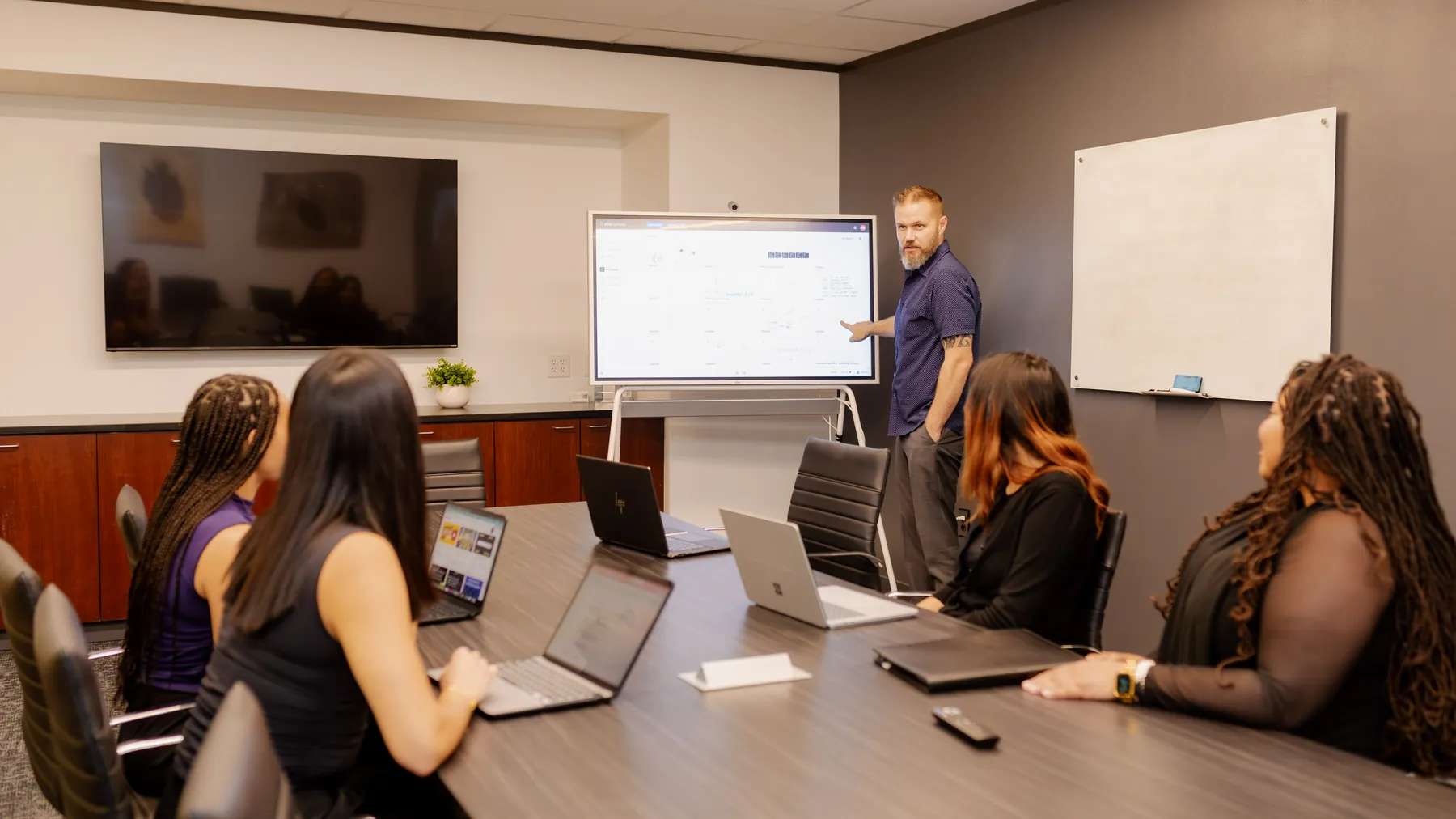
A client emails a website request. On most teams, that email turns into a few hours of clicking around a page builder. For us, it turned into one plain-English prompt, a quick round of questions, and a finished draft page ready for the client to review.
This is a look inside how Peachtree Rose Marketing uses AI for website design and website redesign. Not the hype version. The real one, with a real client, a real request, and a real result. We recorded the whole thing for our podcast, While Supplies Last, so you can watch it start to finish below.
Jenny Wayne, owner of Hairway 2 Heaven 26, emailed us asking for a redesigned policies page. We used Claude Code and Claude in Chrome to turn her email into a brief, asked the AI to question us before it built anything, and had a branded draft page ready in about 30 to 45 minutes. Nothing on her live site changed. Jenny reviews and approves before anything goes live.
Why we use AI for website work at all
Here's my honest take. Most people spend way too much time on small, repetitive tasks. That leaves too little time and energy for the work that actually moves the needle: strategy, messaging, and getting found.
A page update is important to the client. It should look great and it should be done right. But it shouldn't eat half a day. When AI handles the heavy lifting on the build, we get that time back. We put it into the parts of marketing that need a person thinking hard about your business.
So the goal is not "let the robot do it." The goal is to move faster on the small things so we can do better on the big things, and pass that speed on to the client.
Two kinds of websites. One way of working.
We build most new client websites on Content Site Engine, our own AI-ready publishing platform. But plenty of our longtime clients still run on WordPress, and they deserve the same speed. So our AI workflow has to work on both.
WordPress
- Claude in Chrome works inside the site's real admin, the same way a designer would.
- It builds in the page builder the site already uses, like Elementor.
- New pages start as drafts. Nothing live gets deleted or overwritten.
- No migration needed to get the benefit.
Content Site Engine
- Pages are clean code, so Claude Code edits them directly. No page builder in the middle.
- Faster changes, lighter pages, and cleaner markup.
- Full control of the page head and schema that search engines and AI tools read.
- Built to be read by people, ranked by search, and cited by AI.
The Hairway 2 Heaven 26 site is one of our WordPress clients. That made it a good test. If the workflow is fast inside a page builder, it's even faster on Content Site Engine.
The request: one email from Jenny
Hairway 2 Heaven 26 is a hair salon in Helotes, Texas, owned by Jenny Wayne. She's one of our top clients. She sent an email with the subject line "Website policy page redesign and content update." It had her new wording, the look she wanted, and a clear idea of what mattered most.
The first thing I did was not build. It was read. I pasted her email into Claude and asked one simple question: what are the top five things she's looking for? Here is what came back.
- Redesign the policies page to match her examples. Clean layout, elegant headings, simple icons, and a separate section for each policy. Modern and welcoming, using the salon's existing branding and colors.
- Use her new wording exactly as written. An intro note plus seven policy sections, word for word.
- Make the 48-hour cancellation rule and 50% fee easy to find.Top priority Not buried in the text. A highlighted callout or banner near the top of the page.
- Make it easy to read on phones. Most clients will check policies from their phone.
- Send a preview before publishing. She reviews and approves the design and order first. Nothing goes live until she says yes.
That summary took seconds. It also did something important: it showed me exactly what "done" looks like before a single pixel moved. If the summary is wrong, you fix it here, when it costs nothing.
Inside the build, step by step
Here's the full process from the video. Tap a timestamp to jump to that moment.
-
Read the client's request1:21
Pull up the email and the client's WordPress site. Know what's being asked before touching anything.
-
Turn it into a plain-English prompt2:51
No special code words. Just tell Claude who the client is, paste the email, and ask for the top five needs.
-
Ask before it builds4:10
Give Claude access to the site through Claude in Chrome, tell it to build a new draft without deleting anything, and have it ask up to three questions first.
-
Claude builds the draft5:34
It opens the editor and builds the page on its own, matched to the salon's branding. We sped this part up 10x to 40x in the video.
-
Review the result6:22
Check it on desktop and mobile. Then send the preview to Jenny for her approval.
It's connected, not bolted on
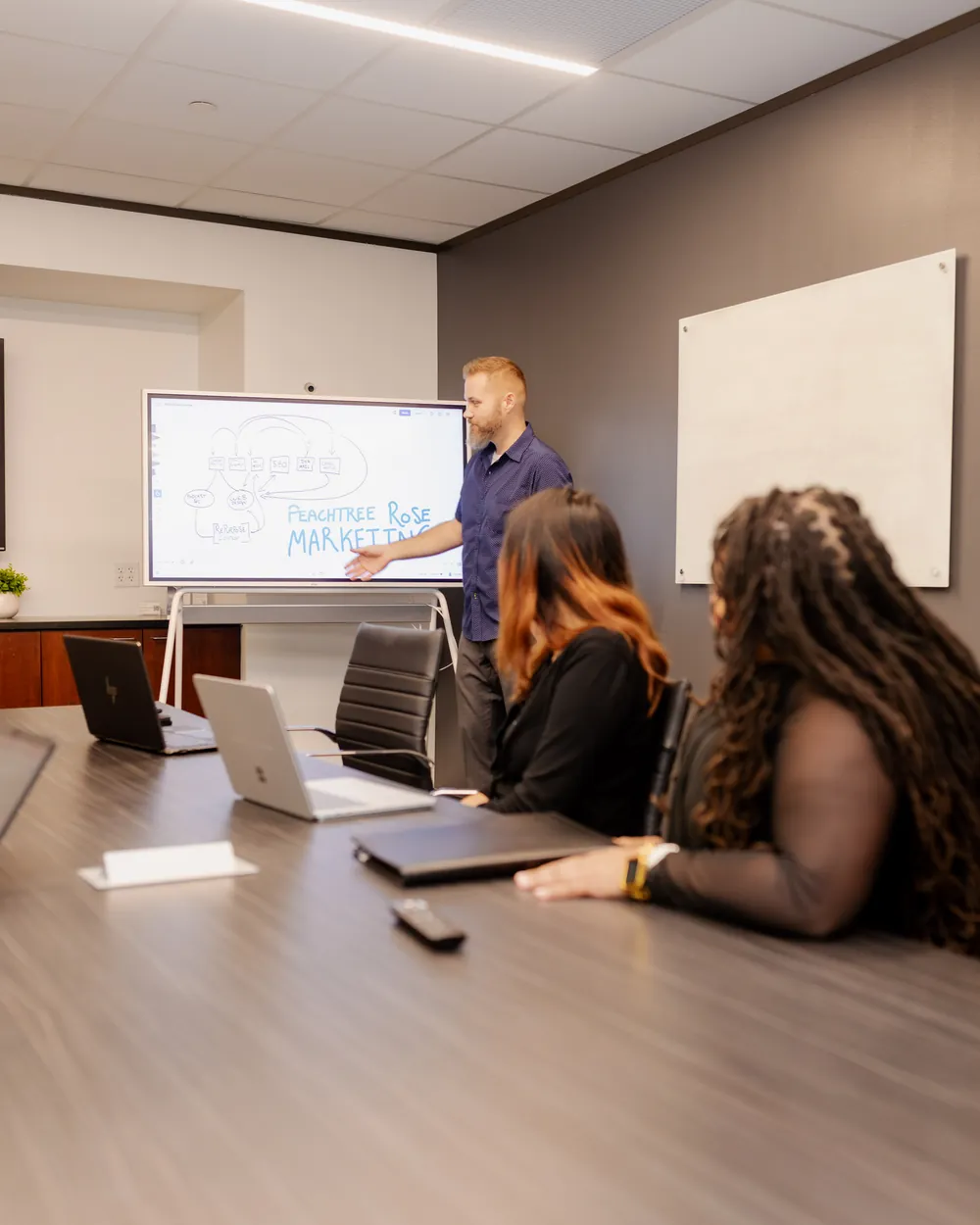
AI is not a side tool at Peachtree Rose Marketing. It runs through how we plan, build, write, and publish. Our web design, SEO, AEO, podcast, and content work all share the same brand rules and the same way of briefing the AI.
That's why one prompt can do so much. The AI isn't starting from zero. We are.
The prompt, in plain English
People expect AI prompts to look like code. Ours don't. Here is what I typed, lightly cleaned up for reading.
You have the full context of exactly what Jenny is looking for. You now have access through Claude in Chrome to the WordPress website for Hairway 2 Heaven 26. I've already opened the pages section.
Help me build a new page without deleting anything on her current website. Draft the perfect version of exactly what she's looking for as a new draft page.
Ask me up to three critical questions before your autonomous run.
Lightly edited from the video for readabilityThe one line I end every prompt with
That last line matters more than anything else in the prompt. When I hand the AI a task it will run on its own, I always end with: ask me up to three critical questions before your run.
"I don't like to pretend that I'm the all-knowing person with all the context it needs."
In this case, it paid off right away. Claude pointed out that Jenny's email mentioned an example design, but the example itself wasn't in what I pasted. It was right. Jenny had sent a sample layout she liked, and I hadn't attached it.
Think about what would have happened without that question. The AI would have guessed at the look. We would have shown Jenny a page that missed her vision, and lost a round of revisions. One question saved all of that. I attached her example, and Claude got to work.
Treat AI like a sharp new teammate
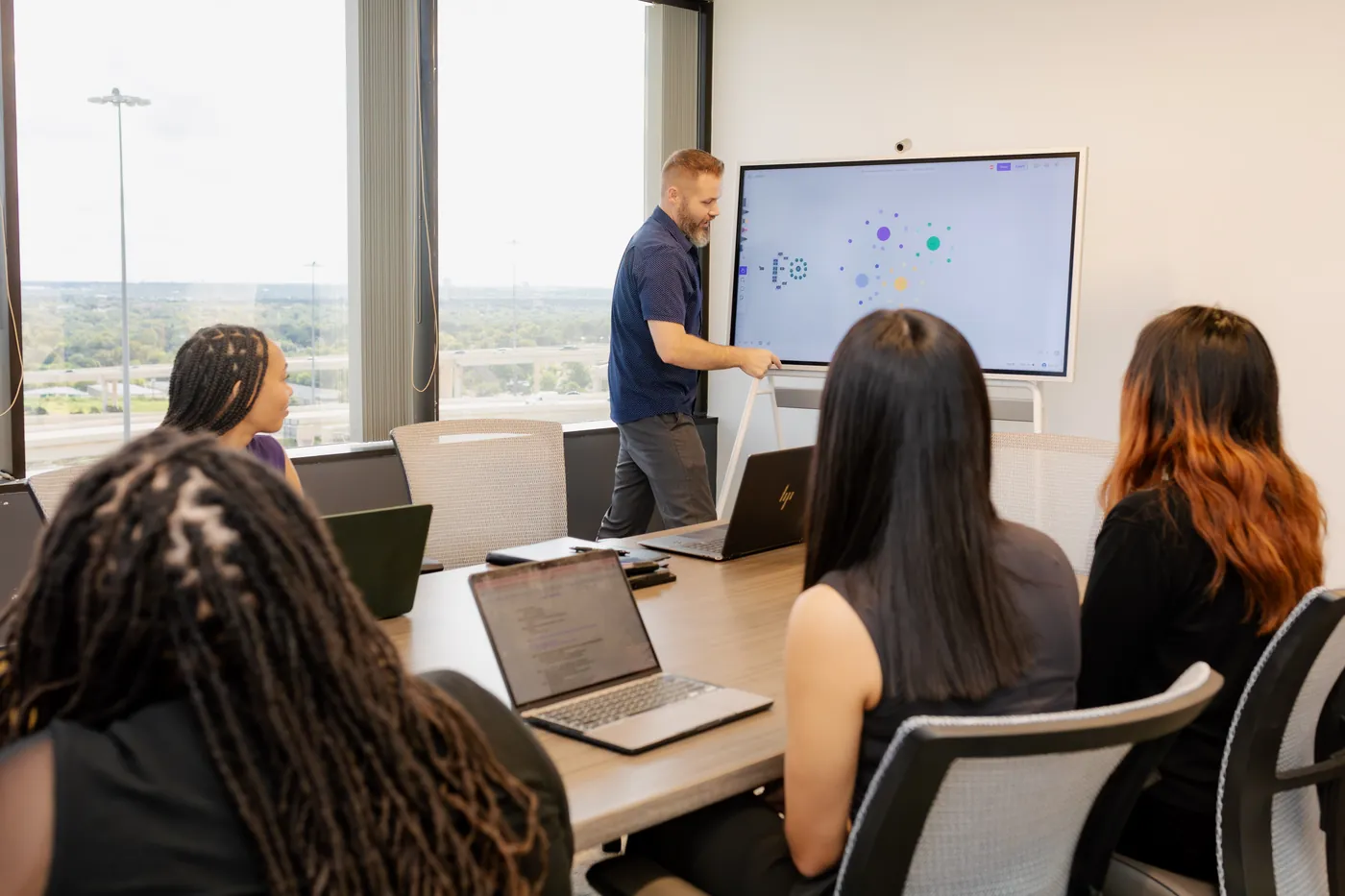
You wouldn't hand a new designer a vague request and walk away. You'd ask, "Any questions before you start?" AI works the same way.
Asking first costs a minute. Guessing wrong costs a revision cycle and some client trust.
Watch the full run-through
Here's the full episode. You'll see the email, the prompts, the questions, the sped-up build, and the before and after on desktop and mobile.

The result
When I came back to check, Claude had the page built in Elementor as a new draft. Clean sections for each policy. Simple icons. Elegant headings. The 48-hour cancellation rule and 50% fee sitting right up top where no one can miss them. And it all matched the salon's existing look.
Honestly, I think it may have turned out better than the example Jenny sent. Now it's her call. That's how it should be.
The whole thing took about 30 to 45 minutes, start to finish. Most of that was the AI working while I did other things.
Speed that works for the client, not around them
Fast is only good if it's also right. A few rules keep it that way:
- The client's words stay the client's words. Jenny's policy text went in exactly as she wrote it. AI handled the design, not her voice.
- Nothing goes live without approval. We build drafts. The client signs off. Then we publish.
- Nothing gets deleted. The prompt says it plainly: build new, don't touch what's there.
- A person checks the work. We review every AI build on desktop and mobile before the client sees it.
- The time we save goes back to the client. Fewer hours on clicks means more hours on strategy, SEO, and the next big move.
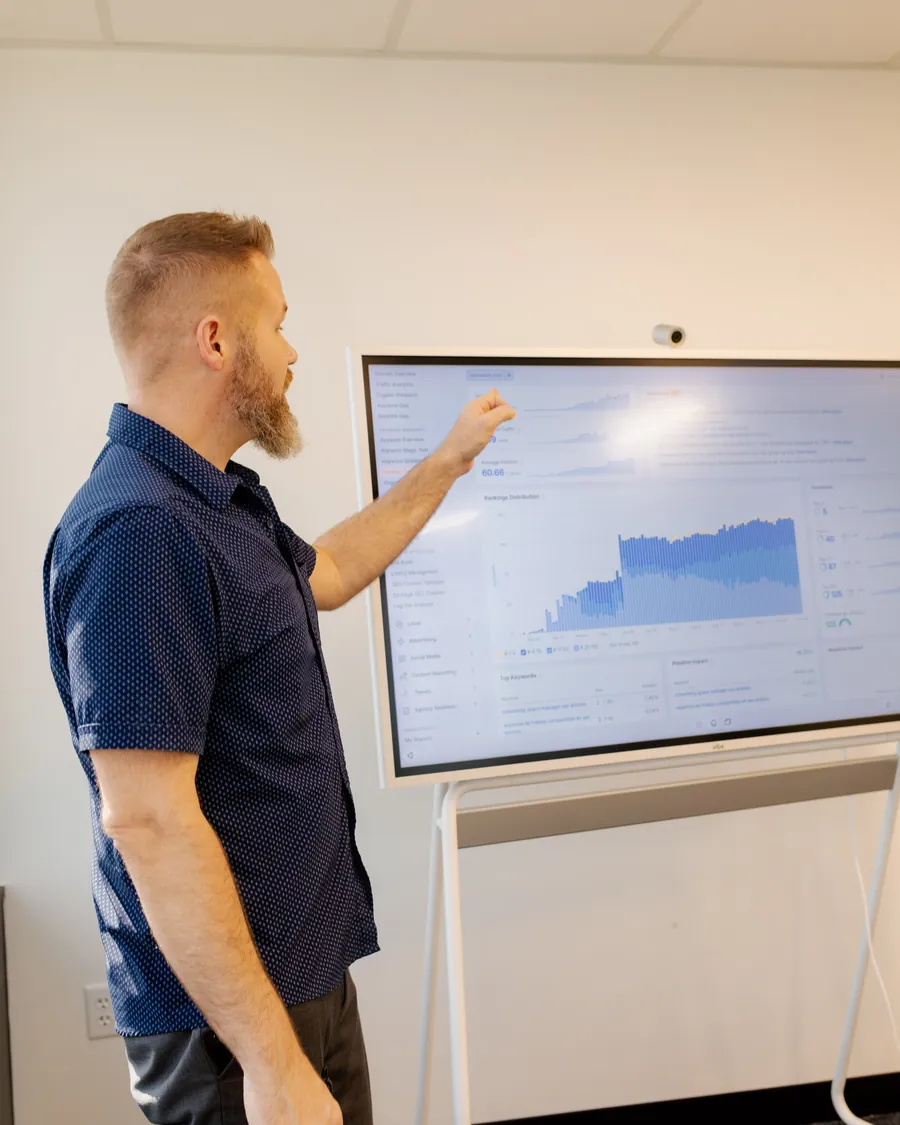
Even faster for our newest clients
WordPress adds steps. The AI has to work through a browser and a page builder, one click at a time. On Content Site Engine, there's no builder in the way. Claude Code reads and edits the page directly.
That makes design changes faster. It also means we own every detail search engines and AI answer engines read, from the page structure to the schema. That's how we build sites that get found on Google and cited by ChatGPT, Claude, and Gemini.
What this means for your website
You don't need to understand any of the tools to get the benefit. Here's what changes for you as a client:
- Faster turnaround. Requests that used to take days can be ready to review the same day.
- Better first drafts. Because the AI asks questions first, the first version is closer to what you pictured.
- Your brand, kept. New pages match your colors, fonts, and style.
- You stay in control. You see a preview and approve it before anyone sees it live.
- No forced move. If you're on WordPress, we can still work this way. If you want the full benefit, Content Site Engine is ready when you are.
AI is changing how websites get built. That part is not slowing down. What matters is who's using it and how. We use it to move faster for our clients, while keeping the same care, the same standards, and the same human judgment. People first. Platforms second.
If your website feels slow to change, or you want it to show up better in Google and in AI answers, see how we approach website design and SEO & AEO.
Frequently asked questions
Can AI really design or redesign a website page?
Yes. With a clear brief, tools like Claude Code can build a full, branded page. The key is a good brief, a few questions before the build, and a person who reviews the result before the client sees it.
Do you use AI on WordPress sites, or only on Content Site Engine?
Both. On WordPress, Claude works inside the site's admin and page builder through Claude in Chrome. On Content Site Engine, our own platform, Claude Code edits the page directly, which is even faster.
Will AI publish changes to my live website?
No. We build new pages as drafts and never delete what's live. You review a preview and approve it before anything is published.
Why do you have the AI ask questions before it builds?
Because no brief is perfect. On the Hairway 2 Heaven 26 project, the AI noticed the client's example design was missing from the request. Catching that before the build saved a full round of revisions.
How long did the Hairway 2 Heaven 26 policies page take?
About 30 to 45 minutes from start to finish, including reading the request, writing the prompt, answering the AI's question, and reviewing the draft. Most of that time, the AI was working on its own.
Will an AI-built page match my brand?
Yes, when it's set up right. We tell the AI to use your existing colors, fonts, and style, and we check every page before you see it. Your own wording stays exactly as you wrote it.
Does this help my SEO and AEO?
It helps in two ways. Faster builds free up time for SEO and AEO work. And on Content Site Engine, we control the page structure and schema that Google and AI tools like ChatGPT, Claude, and Gemini read when they decide what to show and cite.